 Skip to content
The 'Bundle inside a Bundle' error appears when you try to add a bundle as an item inside another bundle, which the software does not allow. This article explains what to do instead.
If you have got the above error message it means you have attempted to put a bundle itself inside a bundle. This cannot be done as it creates an infinite loop in the software. Please create a new 'Standard' product with a different Item Code to include as a bundle item in your bundle. This is the current error that may be appearing: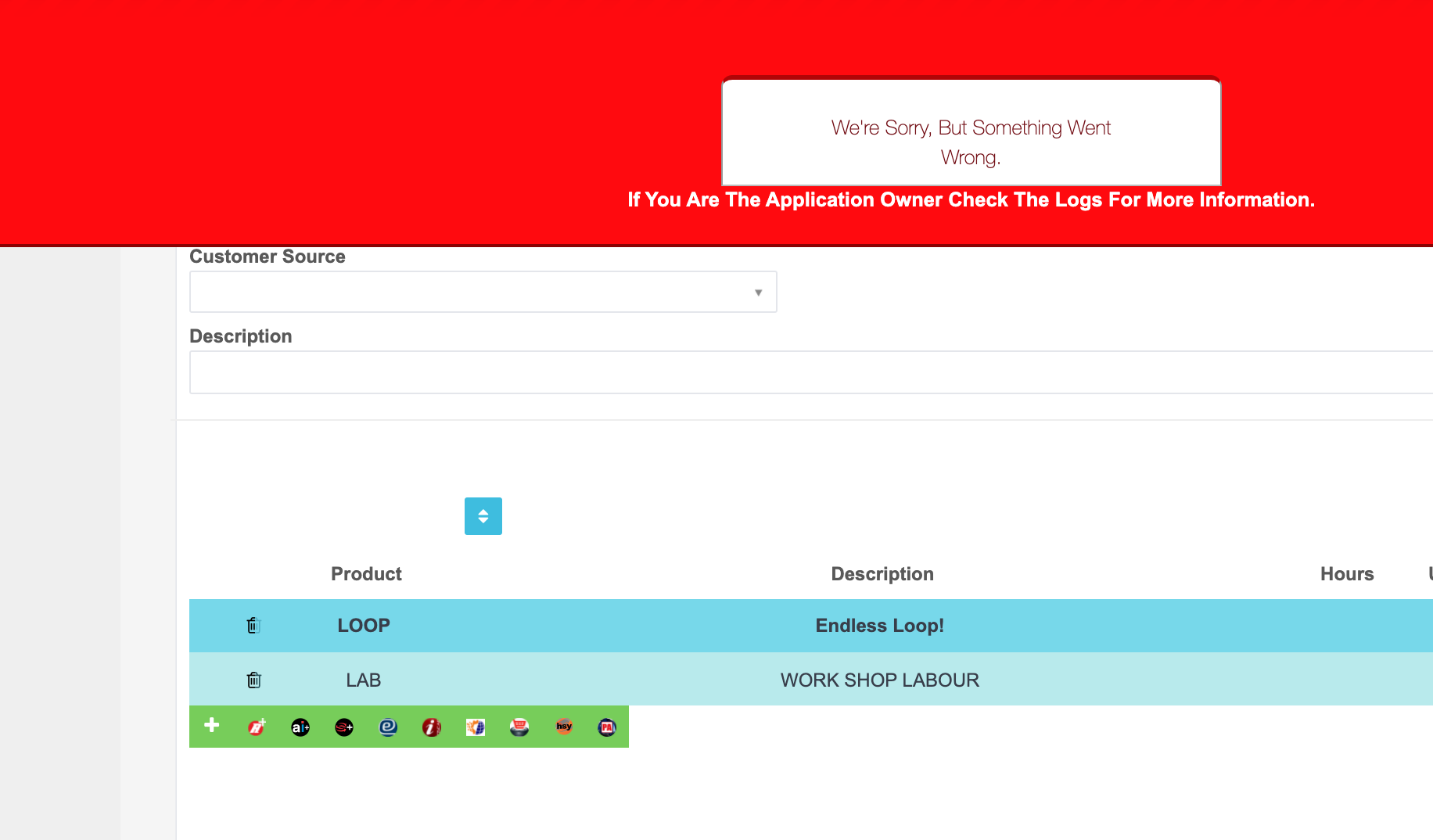
Related Articles
- Xero Sync Error Message - Invoice not of valid status for creation
- Xero Sync Error Message - Associated parent record is not uploaded to Xero
- Xero Sync Error Message - The specified contact details match an archived contact
