 Skip to content
Before a customer drives away in a loan car, you want them to have accepted your conditions of use. This article shows you how to set up the Terms and Conditions that are presented with every loan car booking.
THIS FEATURE IS AVAILABLE FOR GOLD & PLATINUM CUSTOMERS ONLY
To Set up your Terms and Conditions:
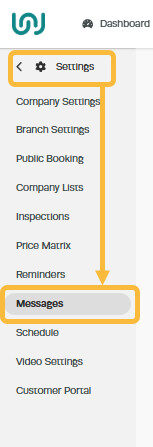
1. Go to 'Settings' then click on 'Messages'
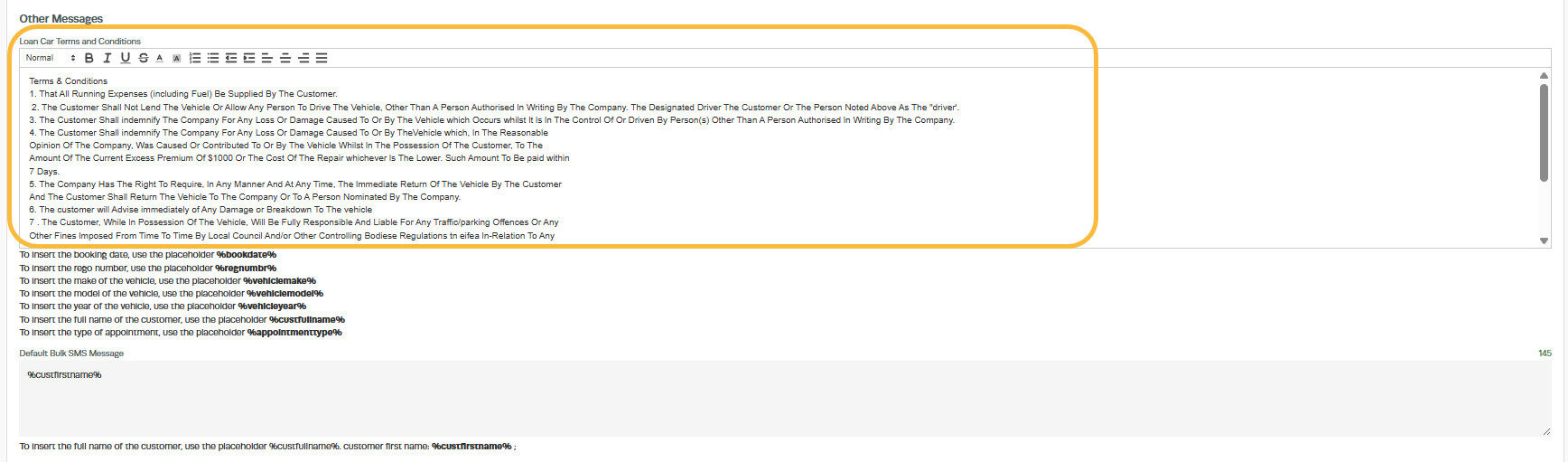
2. Scroll down to 'Other Messages' section and edit the 'Loan Car Terms And Conditions' field. Make sure all the terms and conditions you want the customer to be aware of are in this field;
3. Scroll down to the bottom of the screen and click 'Save'

