 Skip to content
This article shows American and Canadian users how to create a PartsTech account and connect it to Workshop Software.
This Help Guide will show you how to integrate the PartsTech integration.Please note that this integration will only work for our American and Canadian clients.
Firstly in order to use PartsTech you will have to set up an account with them.
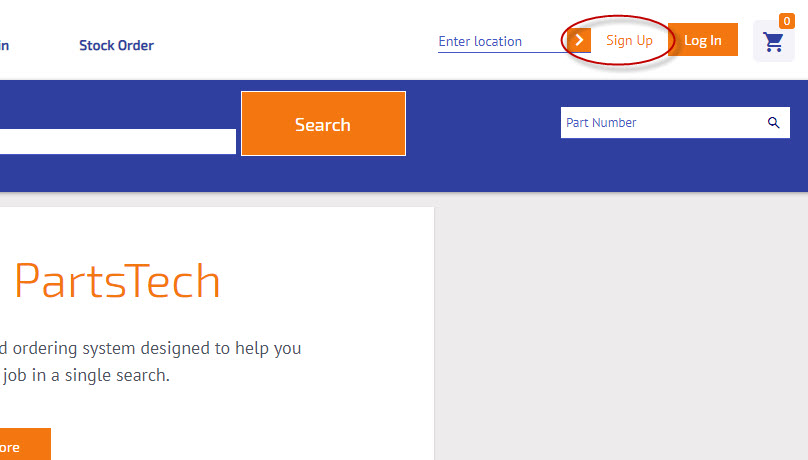
1. Please head to their website: https://www.partstech.com/ and sign up with an account:
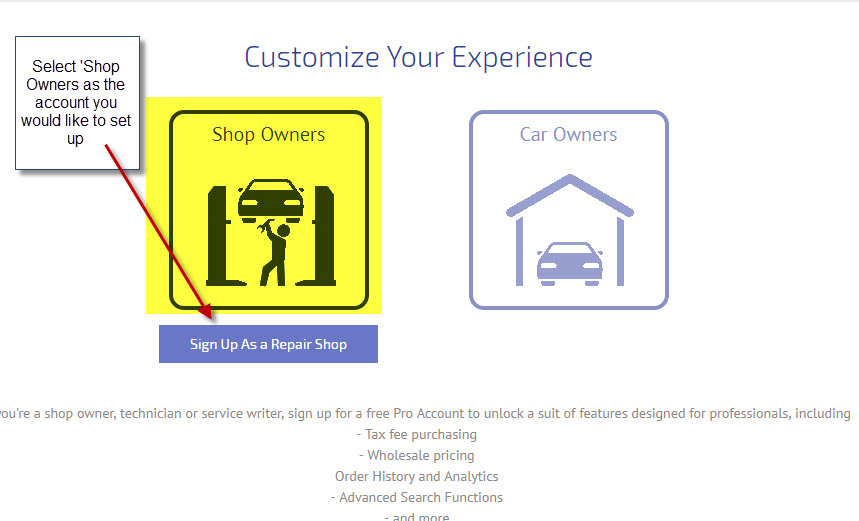
 2. Select 'Shop Owners' as the type of account you would like to set up:
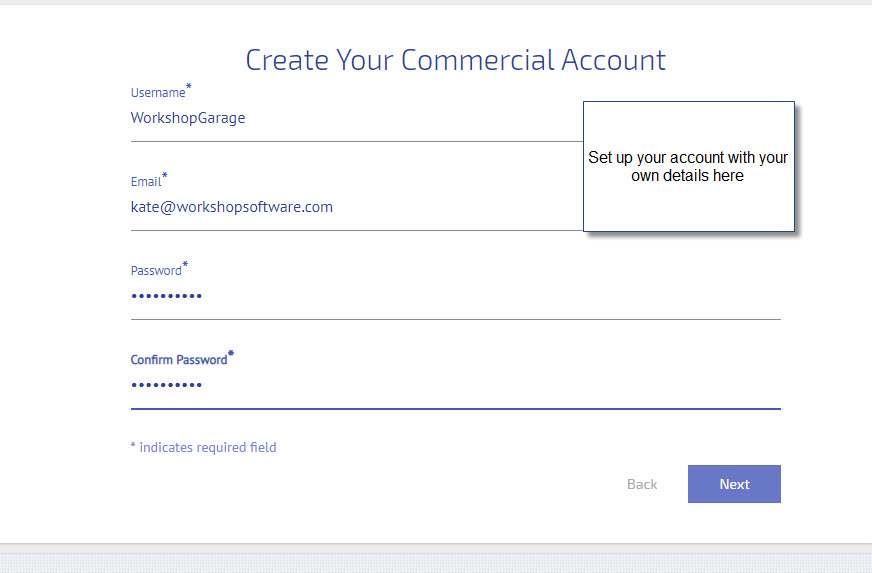
 3. Create your account and enter your credentials:
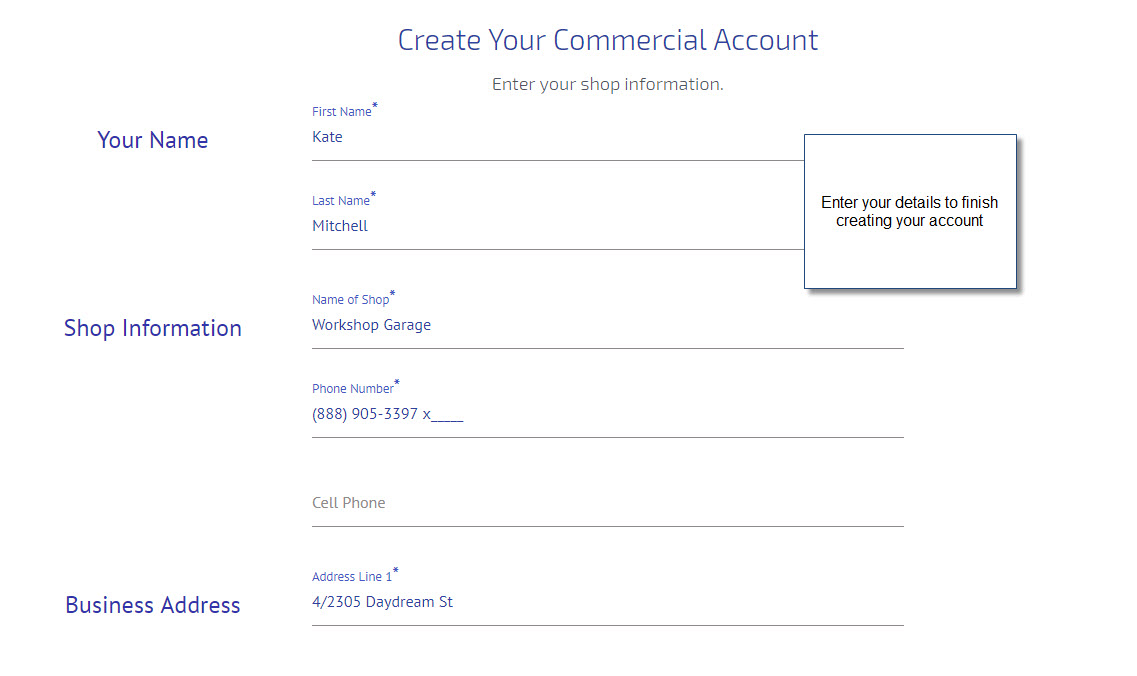
 4. Enter your details to finish creating your account:
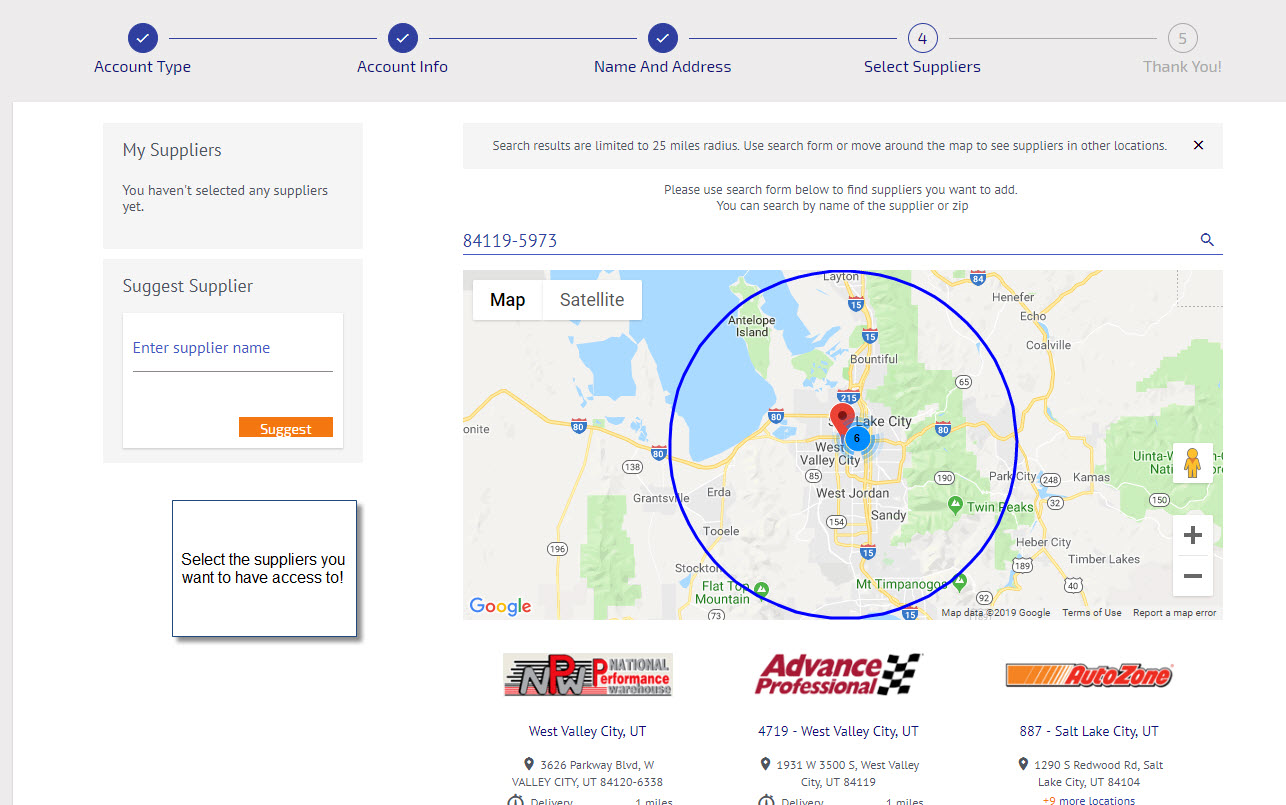
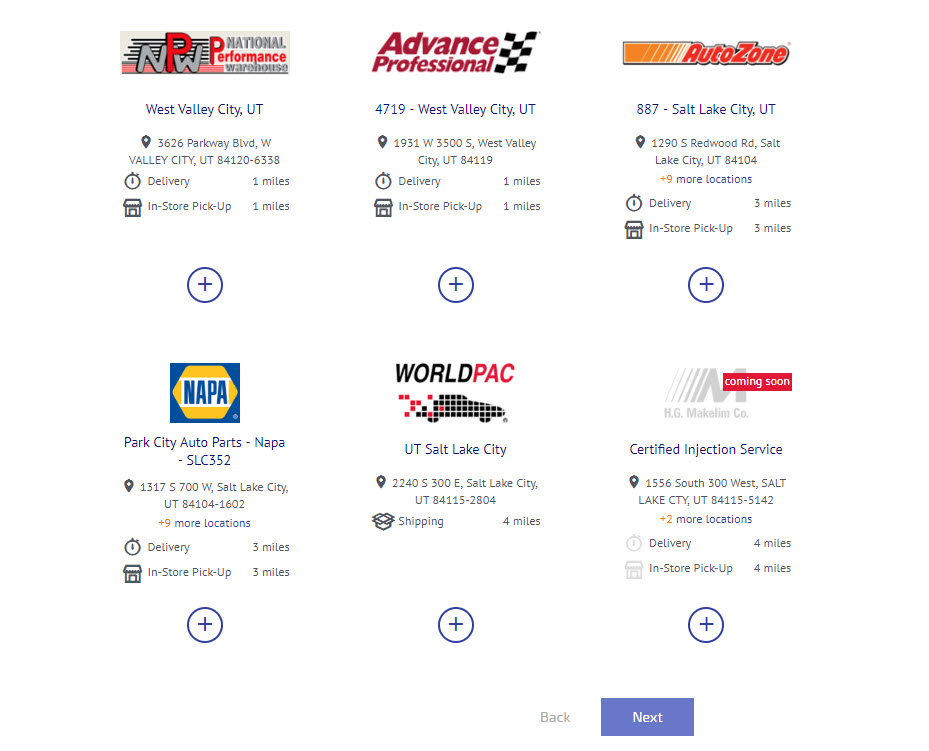
 5. The really cool thing you can now do is select the suppliers within a 25 mile radius:
 Look at all the awesome suppliers you can link to!
 6. Once your account is configured it is now time to integrate with Workshop Software! Go into Workshop Software and select Integrations - Accounting Integrations and then PartsTech:
 7. Once you have selected PartsTech press 'Activate PartsTech' to enter your details:
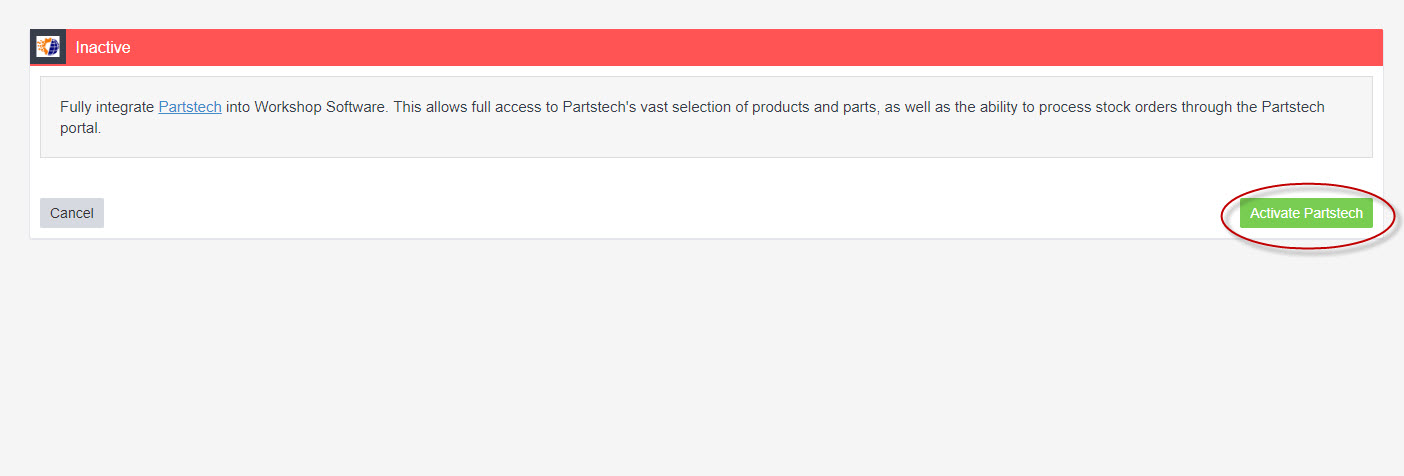 8. Once activated it will ask you for a username and key. To find these details go back to your PartsTech account and click on 'My Account':
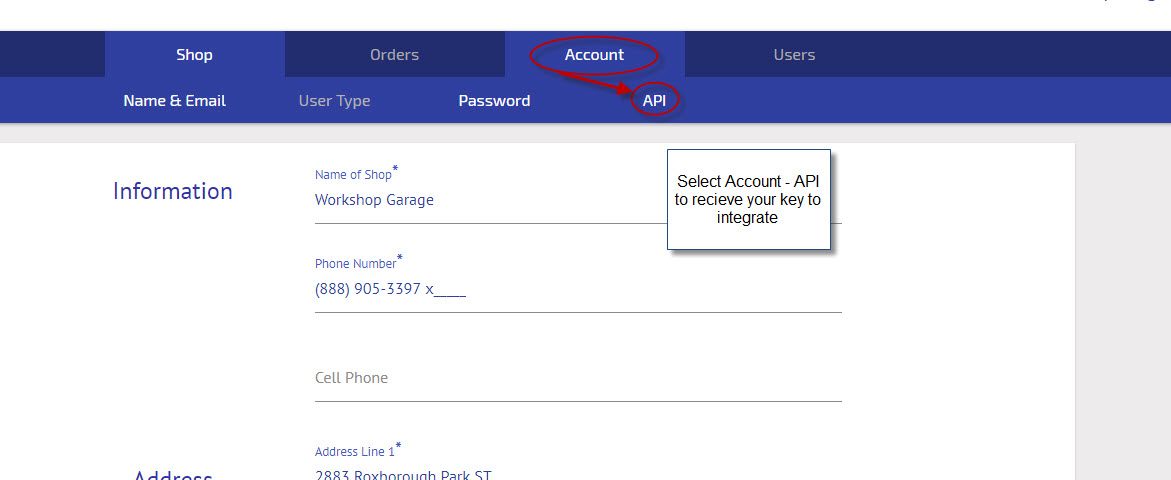
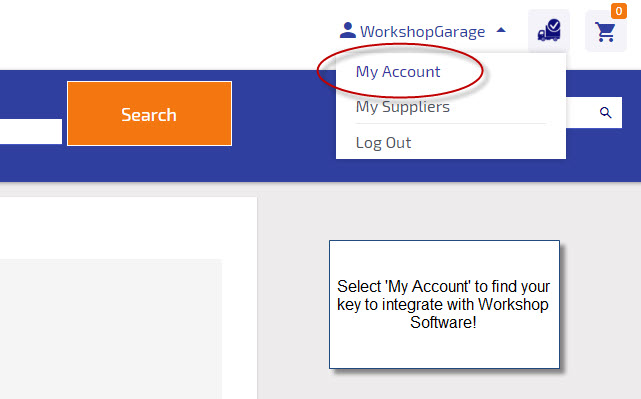 9. Then select 'Account' and 'API':
 10. You will see your user credentials, please copy the set of numbers and letters that you see into the 'User Key' section in Workshop Software:
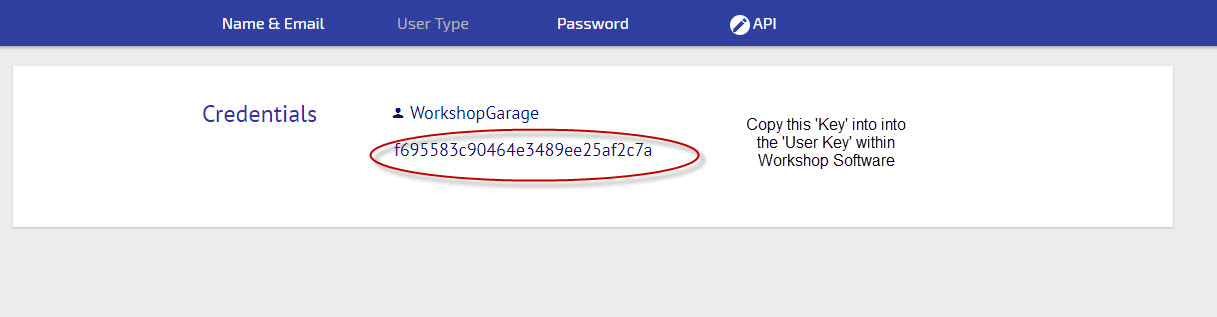 11. Your username will be your email, your credentials should now be entered (remember to press save!)
 12. You can also activate your labor times for PartsTech in this section!
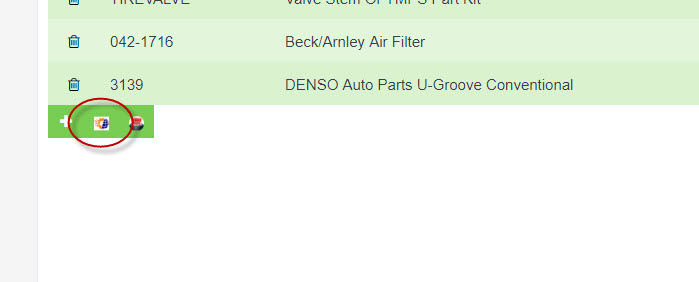
13. If you now go into a job in Workshop Software, your PartsTech icon will be ready to use:
12. You can also activate your labor times for PartsTech in this section!
13. If you now go into a job in Workshop Software, your PartsTech icon will be ready to use:
 Please now refer to this guide to see How to use PartsTech