Skip to content
Before a unit goes out for sale you often need to service, detail or repair it. This article explains how to raise an internal job against a unit so the cost is captured against that unit rather than a customer.
Here is a unit we have set up in Dealership Software. So far no internal invoices have been created for it.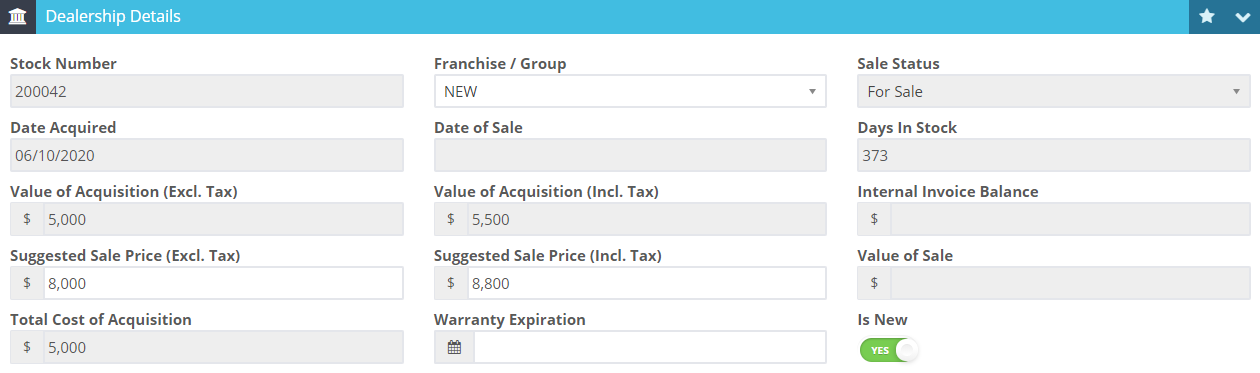
 1. Create a new customer invoice for the "Internal Customer" with the unit as the vehicle.
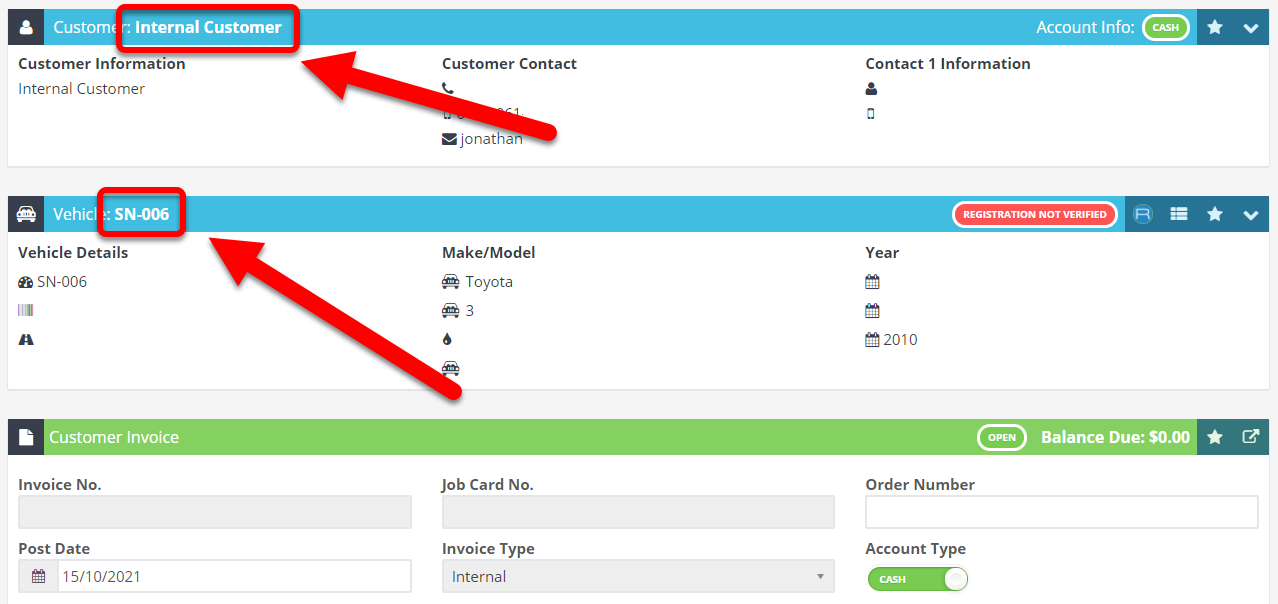 2. Create the invoice for the work done on the vehicle.
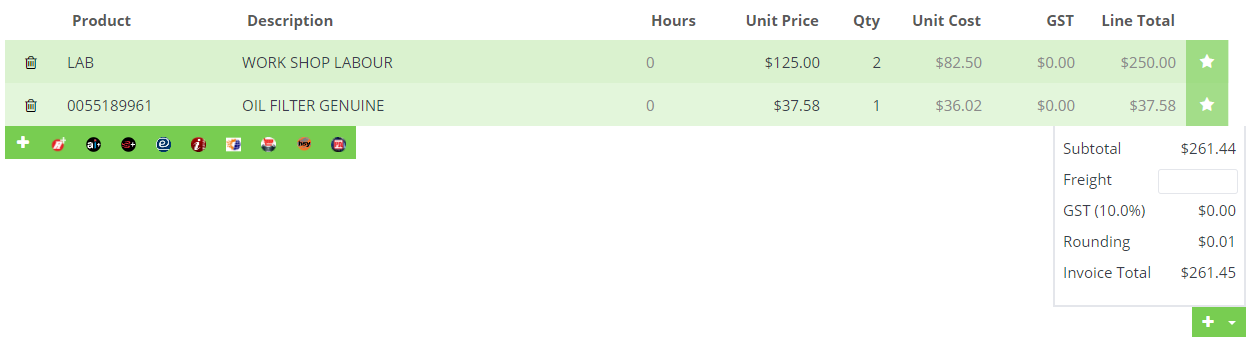
Note: There is no tax on this invoice at this point because this work is being done internally
3. Process the invoice and press cancel when it asks for a payment (you don't need to create a payment as it's a $0 invoice).
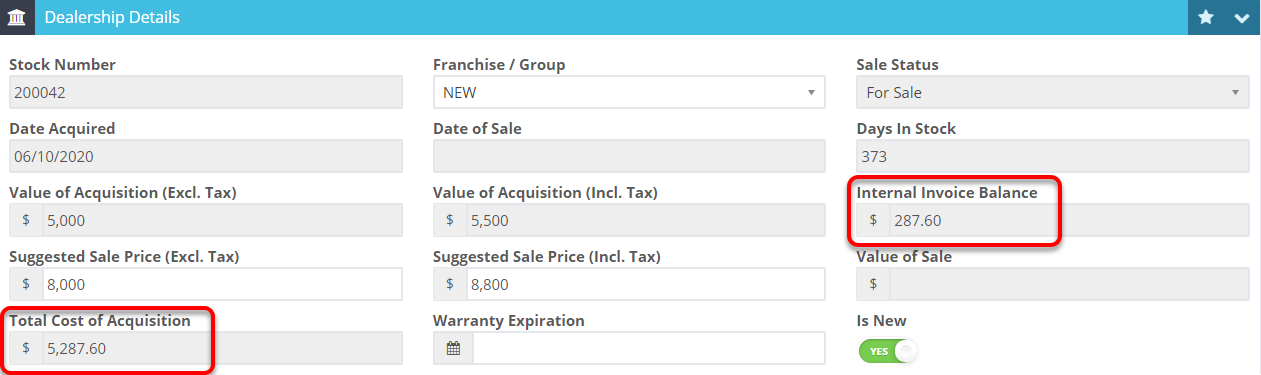
4. The unit cost will now include the price of that invoice.