Skip to content
Ready to move from your trial to a paid plan? This article takes you through activating a monthly or yearly Workshop Software subscription from inside your account.
If you are ready to purchase Workshop Software and subscribe on a Monthly or Yearly basis you will need to log in and activate your subscription.
Once you have subscribed our team will introduce you to our Getting Started process where you’ll learn all about how Workshop Software works and how it can be best used in your business.
The First Step is to click the “Activate Now” link on your Dashboard.
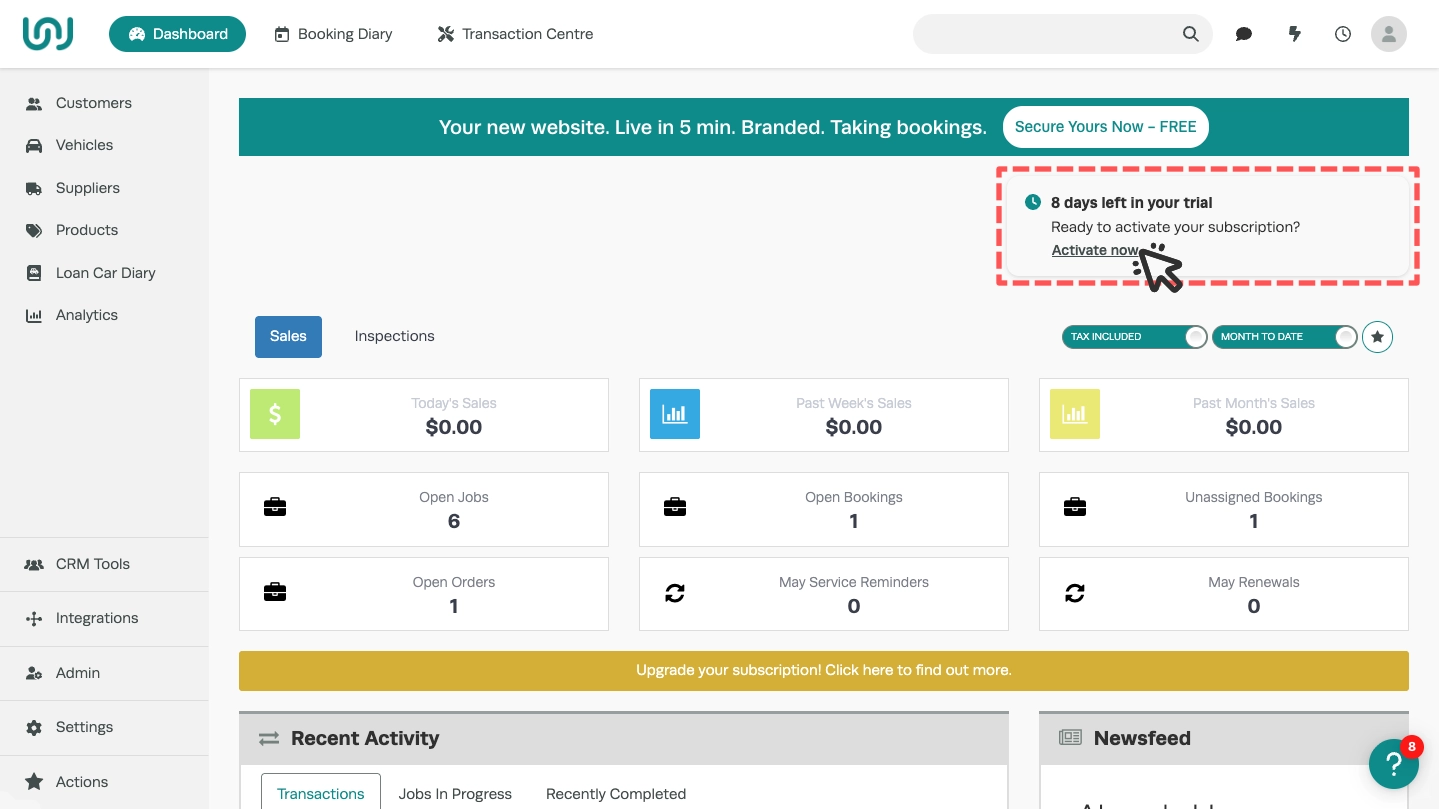
Start by choosing your subscription type, we recommend Gold Yearly as the best value and most popular option.
The available subscription type are listed in the third section of the popover window underneath "Subscription Renewal", click the circle next to the subscription you would like to choose.

If you are a Capricorn Member and would like to bill through Capricorn please then click the "I'm A Capricorn Member" tab.

Enter your credit card details or Capricorn member number and your billing address. You may then click the "Activate" box to finalise your subscription choice.

You will be billed immediately and your Workshop Software instance will be updated from trial mode to include only the features included at your chosen subscription level.
If you have any questions about the signup process, please contact the team via phone on 1300 729 658 or email support@workshopsoftware.com
Frequently Asked Questions
Where do I get a Coupon Code or Referral Code?
If the Workshop Software team are currently offering a promotion you may be offered a time limited Coupon Code through our email communications or in person at a Trade Event.
All Subscribed Workshop Software users may share their Referral Code with new customers, both the New Subscriber and the Referrer will receive a credit towards their subscription.
The Referral Code may be found under a Subscriber's Company Profile.