 Skip to content
The Loan Car Diary gives you a single view of every loan vehicle, who has it and when it is due back, so you can manage courtesy cars without a whiteboard or spreadsheet.
Once you have set up a Loan Vehicle (or multiple Loan Vehicles), you can now create a booking for that vehicle.
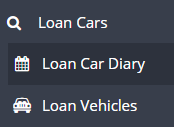
Go to Loan Cars > Click on Loan Car Diary
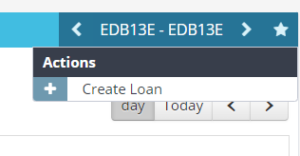
Click on the Blue Action Star
Click on the + Create Loan
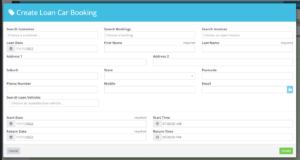
Fill in the Create Loan Car Booking page by either searching Customer or search Booking
OR
Fill in the the necessary fields and select Create.
Once you have created the loan it will then appear in the diary
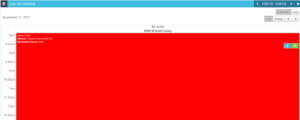
The more vehicles you have set up the more columns you will see in the Loan Car Schedule
