Skip to content
Unit templates save you re-entering the same make, model and specification details every time you acquire a similar unit. This article explains how to create and manage dealership unit templates.
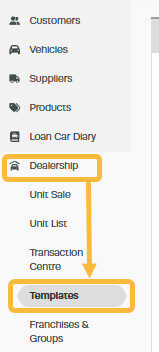
2. Click on the '+' at the top right of the Unit Templates Bar to create a new template;

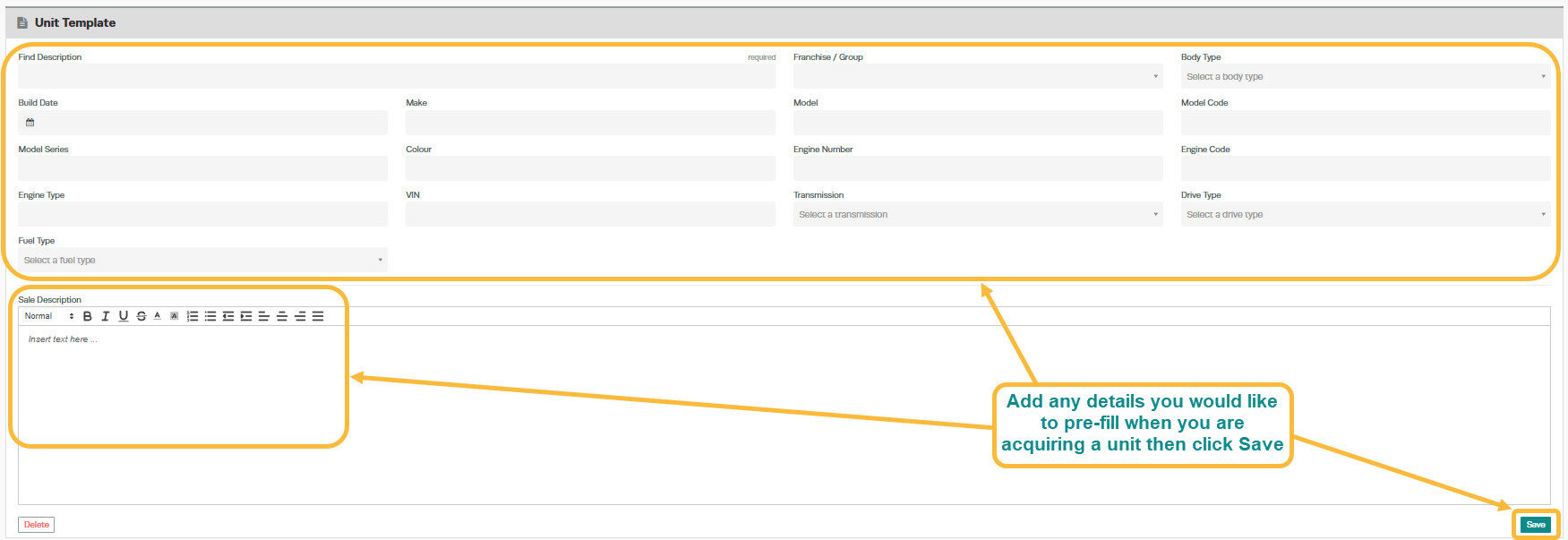
3. Fill out the required information regarding the Units to be acquired, and add the sale description to the template in the 'Sale Description' box then click 'Save';