Variable Employee Title Name

EmployeesUpdated 13 Aug 20261 min read

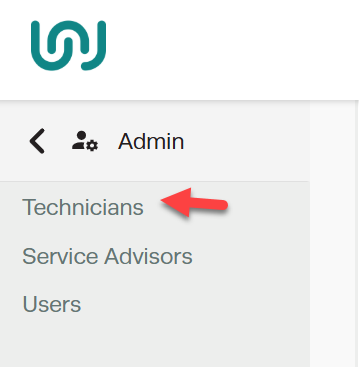
Not all workshops use the term "Mechanic"-some may prefer Technician, Tradesperson, Boat Tech, Diesel Mechanic, or another title.

Workshop Software allows you to customize terminology to match your business needs. This feature ensures job titles reflect the specific roles in your workshop, creating a more tailored and professional experience.
 

Workshop Software screen showing https://www.youtube.com/watch?v=5pemth3sk4k

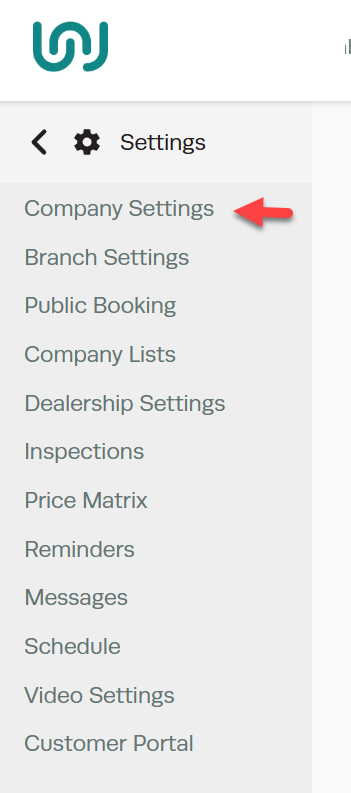
1. To set up the Employee Title Name, Go to Settings
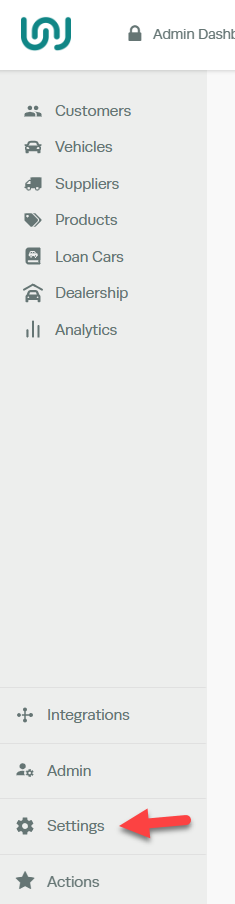
Workshop Software screen showing to set up the employee title name, go to settings

Company Settings 

Workshop Software screen showing company settings

Variable Labels > Enter the Employee Title Name > Save 
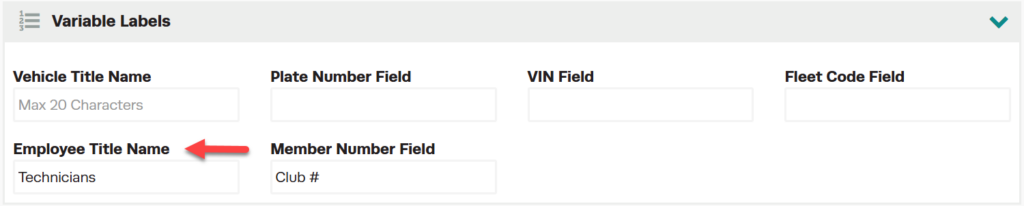
Workshop Software screen showing variable labels > enter the employee title name > save

Once the Employee Title Name has been saved, this will change all references from the default Mechanic to whatever you have chosen.

  • Reports
Workshop Software screen showing once the employee title name has been saved, this will change all references ...

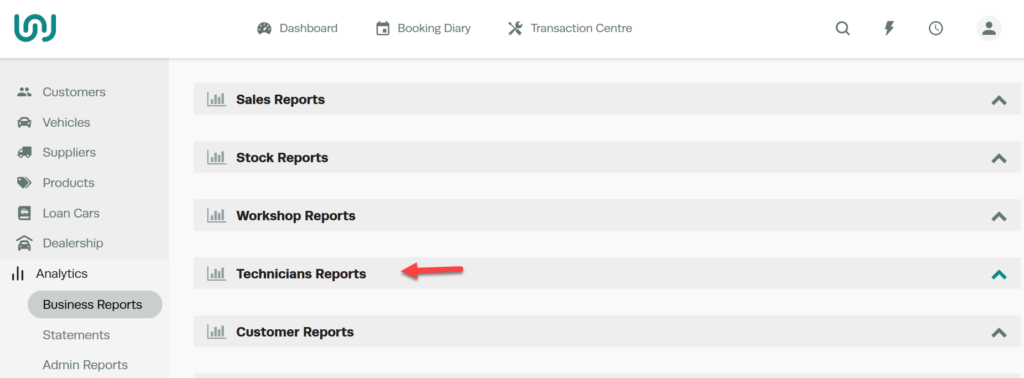
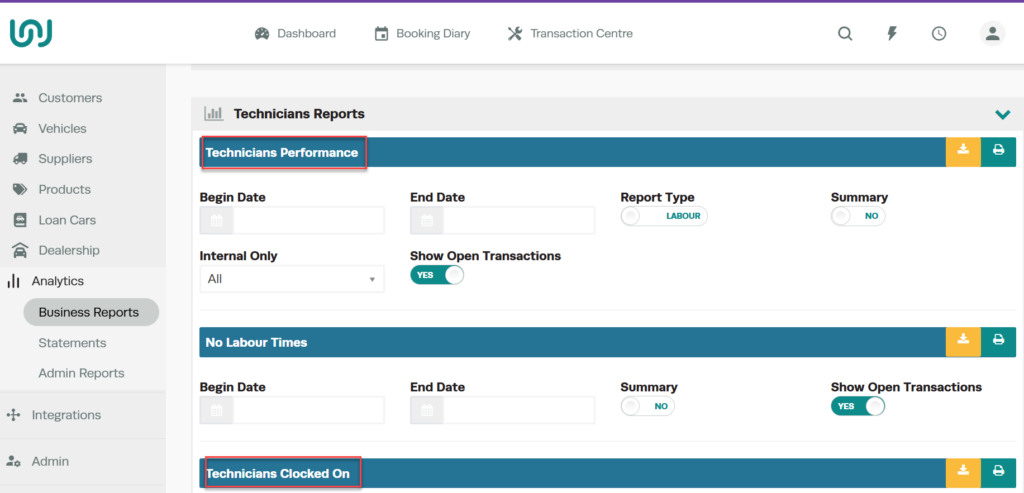
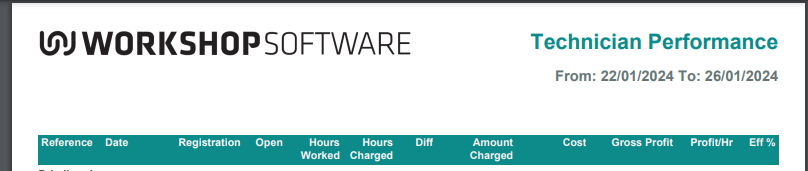
This will reflect on Reports 

Workshop Software screen showing this will reflect on reports

Technician Performance report showing hours worked, hours charged, cost, gross profit and efficiency columns

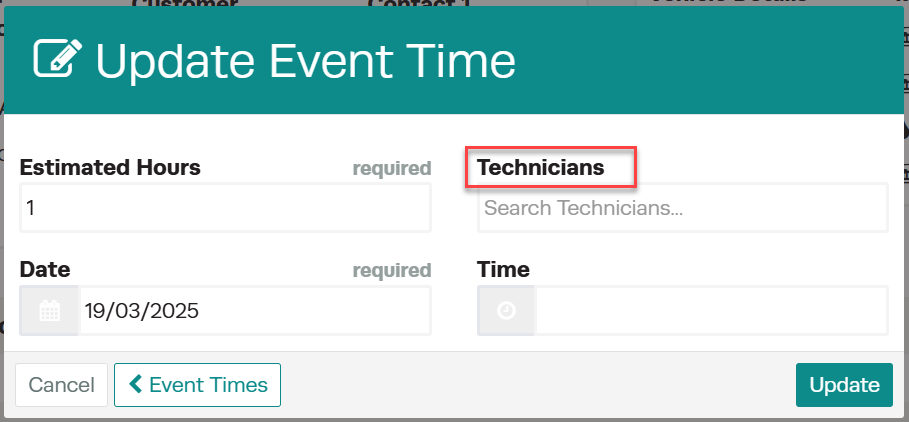
Bookings


Update Event Time dialog with the Technicians field highlighted alongside estimated hours, date and time

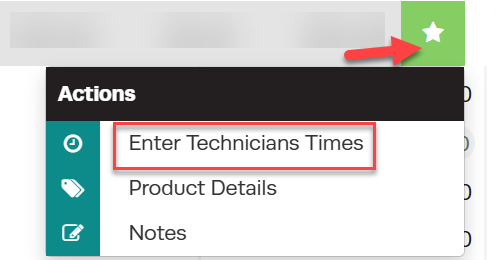
Invoices 


Job card actions menu with Enter Technicians Times highlighted

Labour Items panel with the Technicians column highlighted


Related Articles

Also Explore

Was this article helpful?